Your first image in five minutes
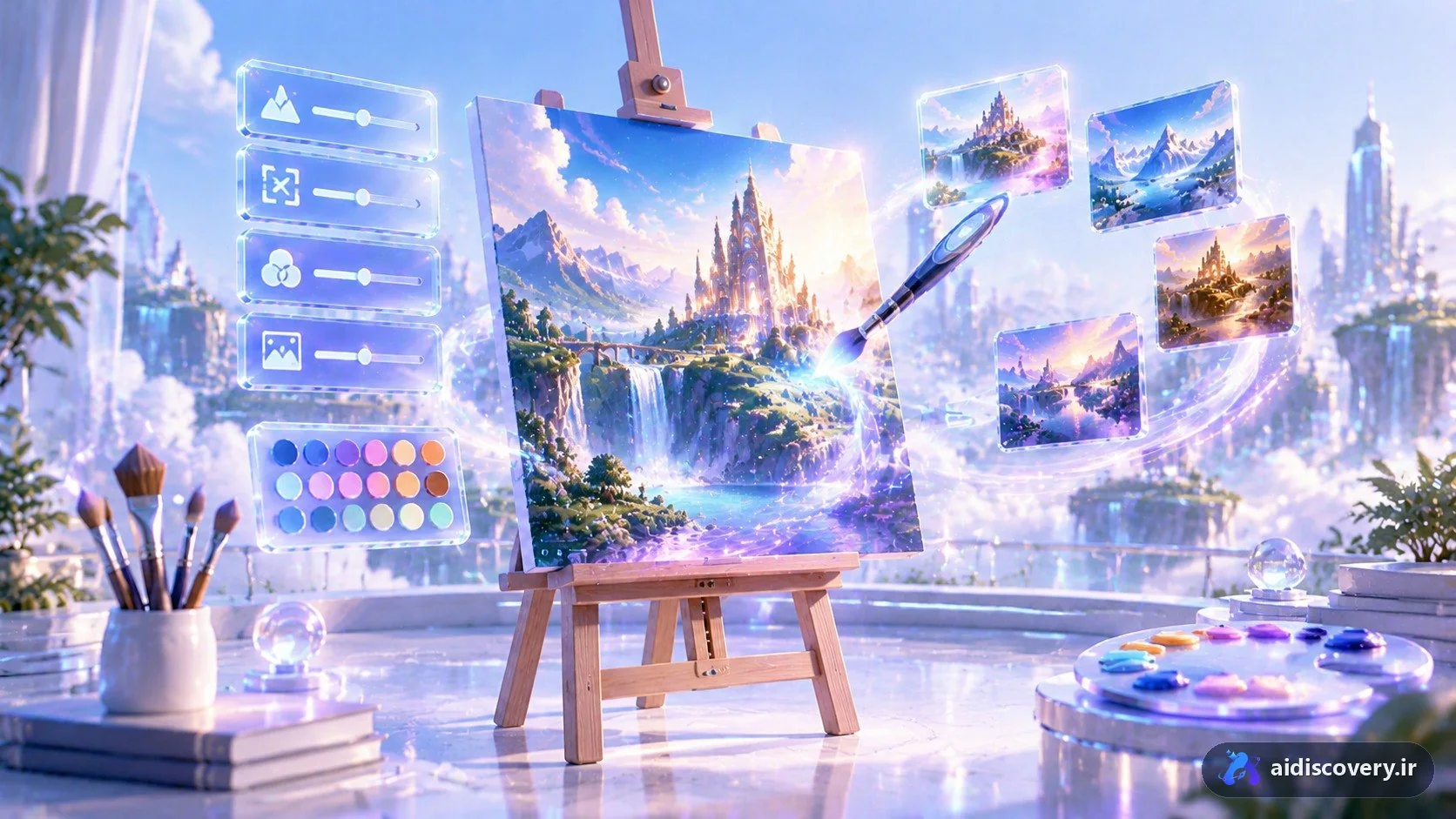
Midjourney turns one sentence into an image. Make your first prompt simple but complete: subject + environment + style. Example: "an orange cat on a wooden windowsill, morning light, portrait photography with an 85mm lens". You get four versions; pick one and upscale it. That simple loop — prompt, pick, refine — is all of Midjourney.
The anatomy of a good prompt
Order matters: the most important thing first. A dependable prompt carries these parts:
- Subject: precise and specific ("an orange cat", not "an animal").
- Environment and composition: where, and from what angle.
- Light: time of day and mood ("golden sunset light", "cold window light").
- Style and medium: photography, oil painting, children's-book illustration, 3D render.
- Parameters at the end: aspect ratio with --ar (e.g. --ar 16:9 for landscape).
Choose the aspect ratio first
The classic beginner mistake: generate a square, then crop. Set the ratio from the start — 16:9 for banners and backgrounds, 9:16 for stories, 1:1 for avatars.
Varying and refining
After each generation you have three tools: variation for close alternatives, remix for changing the prompt on the same composition, and editing for touching parts of the image. Rule: change one variable at a time so you learn what moved the result. Keep your successful prompts — a personal prompt library becomes your fastest asset.
Realistic expectations
Hands, in-image text and fine details still take patience; multiple generations and picks are part of the workflow, not a sign you are bad at it. After a week of regular practice, the feel for "which prompt gives which result" becomes natural.